

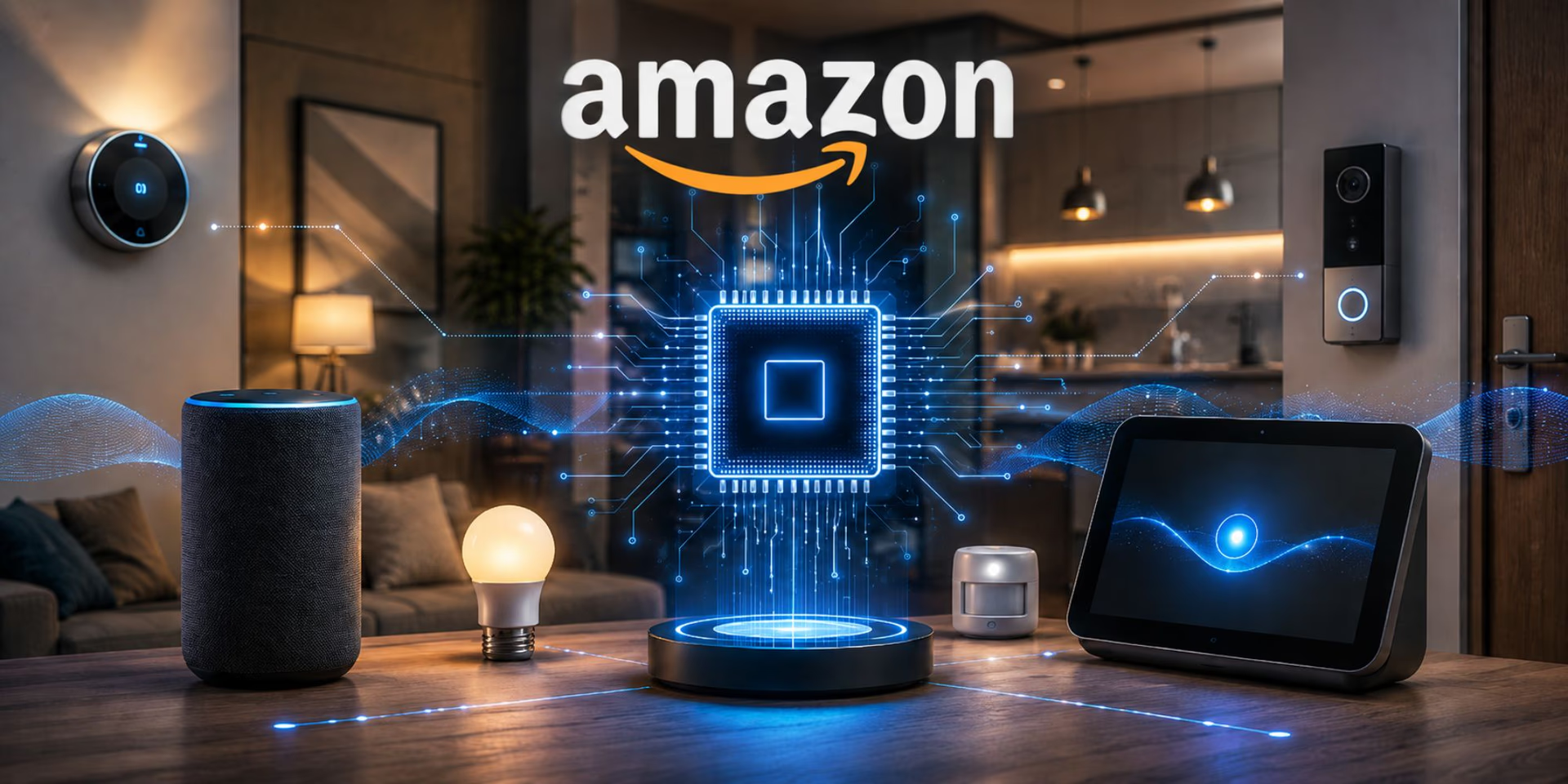
Smart speakers have become a practical part of many modern homes. Instead of reaching for a phone every time you want to set a timer, check the weather, play music, or control a compatible light, you can simply use your voice.
Amazon Echo devices are among the best-known products in this category. They work with Alexa, Amazon’s voice assistant, and can perform a wide range of tasks through voice commands. However, Echo is not just one product. The range includes different types of speakers and displays, each aimed at a particular use case.
Choosing between them can feel confusing if you are not sure what separates one model from another. This guide explains how Echo devices work, what they can do, the main differences between models, and what to consider before buying one.
What Are Amazon Echo Devices?
Amazon Echo devices are smart speakers and smart displays designed to work with Alexa. Depending on the model, an Echo can provide voice assistance, music playback, smart-home control, timers, reminders, information, communication features, and other functions.
The basic idea is simple: you speak a command, Alexa processes the request, and the device provides an answer or performs an action.
For example, you might say:
- Ask for today’s weather
- Set a cooking timer
- Play a particular playlist
- Add an item to a shopping list
- Turn compatible smart lights on or off
- Set an alarm
- Make a compatible call
- Control supported smart-home devices
Because different Echo products have different hardware, features and audio capabilities can vary from one model to another.
How Do Amazon Echo Devices Work?
Most Echo devices connect to your home’s Wi-Fi network and use Alexa to understand voice commands.
When you use the device, the built-in microphones listen for the Alexa wake word. After activation, your request is sent through the internet for processing, and Alexa responds through the speaker or screen.
Some important components include:
Microphones
Echo speakers use microphones to detect voice commands. Multiple microphones can help the device recognize speech even when you are not standing directly beside it.
Speakers
Audio quality varies considerably between Echo models. Basic devices may be suitable for casual listening, while larger models can provide a fuller sound experience.
Display
Some Echo products include screens. These can show information visually, display photos, support video-related features, and make certain interactions easier.
Alexa
Alexa is the voice assistant behind Echo. Its capabilities can also be expanded through supported features and compatible smart-home products.
What Can You Do With an Echo Device?
The usefulness of an Echo depends on how you set it up and which compatible services or devices you connect.
Here are some common uses.
Music and Entertainment
You can use an Echo to play music, podcasts, audiobooks, and other supported audio content. Voice control is particularly convenient when your hands are busy.
For example, while cooking, you can ask Alexa to pause your music or start a timer without touching your phone.
Smart-Home Control
One of the biggest reasons people buy Echo devices is smart-home control.
Compatible products can include:
- Smart bulbs
- Plugs
- Thermostats
- Cameras
- Doorbells
- TVs
- Other connected appliances
You can also create routines that perform multiple actions together. For example, a bedtime routine could turn off compatible lights and perform other configured actions with a single command.
Reminders and Organization
Echo devices can help with everyday organization. You can create alarms, timers, reminders, shopping lists, and calendar-related tasks depending on the services connected to your account.
This makes an Echo especially useful in kitchens, bedrooms, home offices, and shared living spaces.
Information and Everyday Questions
Alexa can answer many general questions and provide information such as weather updates, time, calculations, conversions, and other supported requests.
This is one area where voice assistants are particularly convenient because you do not need to stop what you are doing and search manually.
Types of Amazon Echo Devices
The Echo family has included several form factors over time. Availability and specific features can vary by market and generation.
| Device Type | Best For | Main Advantage |
| Echo smart speaker | Everyday voice assistance | Simple hands-free control |
| Echo Dot-style speaker | Smaller rooms and budgets | Compact design |
| Echo Show-style display | Visual information and communication | Screen plus Alexa |
| Larger Echo speakers | Music and larger spaces | More capable audio |
| Specialized Echo products | Specific home needs | Purpose-built features |
The best option is not necessarily the most expensive one. A compact Echo can be enough for a bedroom, while a larger speaker or display may make more sense in a living room.
For readers interested in broader technology topics, resources such as Tech Beyond the Screen can also provide useful context on how technology is becoming part of everyday life beyond traditional computers and phones.
Benefits of Using Echo Devices
Hands-Free Convenience
Voice control is the biggest advantage. You can interact with an Echo while cooking, cleaning, working, or relaxing.
Smart-Home Integration
If you already use compatible connected-home products, an Echo can act as a convenient voice-control point.
Easy Setup for Everyday Tasks
Timers, alarms, reminders, music, and basic information can usually be accessed with simple voice commands.
Multiple Placement Options
Because Echo products come in different sizes and formats, you can choose a device according to the room and your requirements.
Helpful for Family Spaces
A shared Echo in a living room or kitchen can provide useful functions for multiple household members, although individual accounts, personalization, and privacy settings should be considered.
What to Consider Before Choosing an Echo
Buying the newest or most expensive model is not automatically the best decision. Consider your actual needs first.
1. Room Size
A small speaker may be perfectly adequate for a bedroom or desk. A larger room may benefit from stronger audio hardware.
2. Audio Quality
If music is your main reason for buying an Echo, pay close attention to the speaker configuration and audio capabilities of the model you are considering.
3. Screen or No Screen
Ask yourself whether you actually need visual information.
A screen can be useful for compatible video calls, visual content, photos, recipes, and other screen-based interactions. If you mainly want voice commands and music, a speaker-only model may be more practical.
4. Smart-Home Compatibility
Before purchasing, check whether your existing smart-home products work with Alexa. Compatibility can vary between devices and manufacturers.
5. Budget
Echo devices are available in different price ranges. Set a realistic budget and focus on the features you will actually use.
6. Placement
Think about where the device will sit. Avoid placing it somewhere that makes the microphones difficult to use or where the speaker is blocked.
Privacy and Security Considerations
Any internet-connected smart speaker deserves thoughtful privacy settings.
Echo devices are designed to respond to a wake word, but users should still review the privacy controls available with their device and Amazon account.
Useful habits include:
- Review voice-history and privacy settings.
- Understand microphone controls.
- Keep your Amazon account secure.
- Check connected smart-home permissions.
- Avoid sharing unnecessary personal information through voice commands.
- Review settings periodically as features change.
Privacy is not something you should consider only after purchasing a smart device. It should be part of the buying decision from the beginning.
Tips for Getting More From Your Echo
Once your Echo is installed, a few simple habits can make it more useful.
Create Useful Routines
Instead of giving several individual commands, use routines where supported. A morning routine, for example, could combine information and smart-home actions.
Place Echo Devices Strategically
If you have multiple Echo devices, consider putting them in rooms where hands-free assistance provides the most value, such as the kitchen or home office.
Connect Compatible Smart Devices
If you already own smart lights, plugs, or other compatible products, connecting them can turn the Echo into a central voice-control tool.
Learn More Than Basic Commands
Many people only use an Echo for music and timers. Exploring additional Alexa features can reveal useful functions for organization, entertainment, communication, and smart-home management.
Technology-focused resources such as Renas Tech can also be useful for readers who want to explore practical technology ideas and stay informed about digital tools and devices.
Key Takeaways
- Amazon Echo devices combine smart speakers or displays with Alexa voice assistance.
- Different models are designed for different rooms, budgets, and use cases.
- Echo devices can handle music, timers, reminders, information requests, and compatible smart-home controls.
- A display-based Echo can provide capabilities that a speaker-only model cannot.
- Smart-home compatibility should be checked before purchasing.
- Audio quality, room size, budget, and desired features are important buying considerations.
- Privacy and account-security settings should be reviewed regularly.
- The best Echo is the one that fits your actual daily needs rather than simply being the most expensive model.
FAQs
1. What are Amazon Echo devices used for?
Amazon Echo devices are primarily used for voice assistance, music and entertainment, reminders, timers, information requests, and controlling compatible smart-home products. Some models also include displays for additional visual features.
2. Do Amazon Echo devices need Wi-Fi?
Yes. Most Echo functions rely on an internet connection and Wi-Fi. Without a network connection, many Alexa-based features will not work normally.
3. Can Amazon Echo control smart-home devices?
Yes. Compatible smart-home products can be controlled through Alexa. However, compatibility depends on the specific product, manufacturer, and supported standards.
4. Are all Amazon Echo devices the same?
No. Echo models differ in size, speaker hardware, display availability, features, and intended use. A compact speaker may suit a bedroom, while a larger model or smart display may be better for a living room.
5. Can I use an Echo device for music?
Yes. Echo devices can play supported music and audio services using voice commands. The listening experience depends on the particular Echo model and the audio service you use.
6. Are Amazon Echo devices good for smart homes?
They can be very useful for smart homes when your connected products are compatible with Alexa. Echo devices can provide a convenient voice interface for lights, plugs, thermostats, cameras, and other supported products.
7. Should I buy an Echo with a screen?
Choose a screen-equipped model if you expect to use visual information, photos, compatible video features, or screen-based interactions. If you mainly need voice commands and audio, a speaker-only Echo may be sufficient.
Conclusion
Amazon Echo devices have evolved from simple smart speakers into versatile tools for voice assistance, entertainment, organization, and smart-home control. The key is choosing a device based on your real needs rather than focusing only on specifications or price.
Before buying, consider where you will use the Echo, whether you need a display, how important audio quality is, which smart-home products you already own, and how much you want to spend.
With the right model and thoughtful setup, an Echo can become a useful part of everyday routines without requiring constant interaction with a phone or computer.
